



Video · Audio · Script

Don’t just download it.Understand it.

From saving the videos you want to watch to discovering what they have to say. It all comes together in 321 Downloader.

View plans
People watching a saved video later while camping

Save the video you’re watching.

Browser extensions

USE CASES

Some videos are worth keeping.

Save references, understand videos from around the world, or come back to something you want to study. Use each video in the way that works for you.

CREATOR

Keep the reference. Hear the idea.

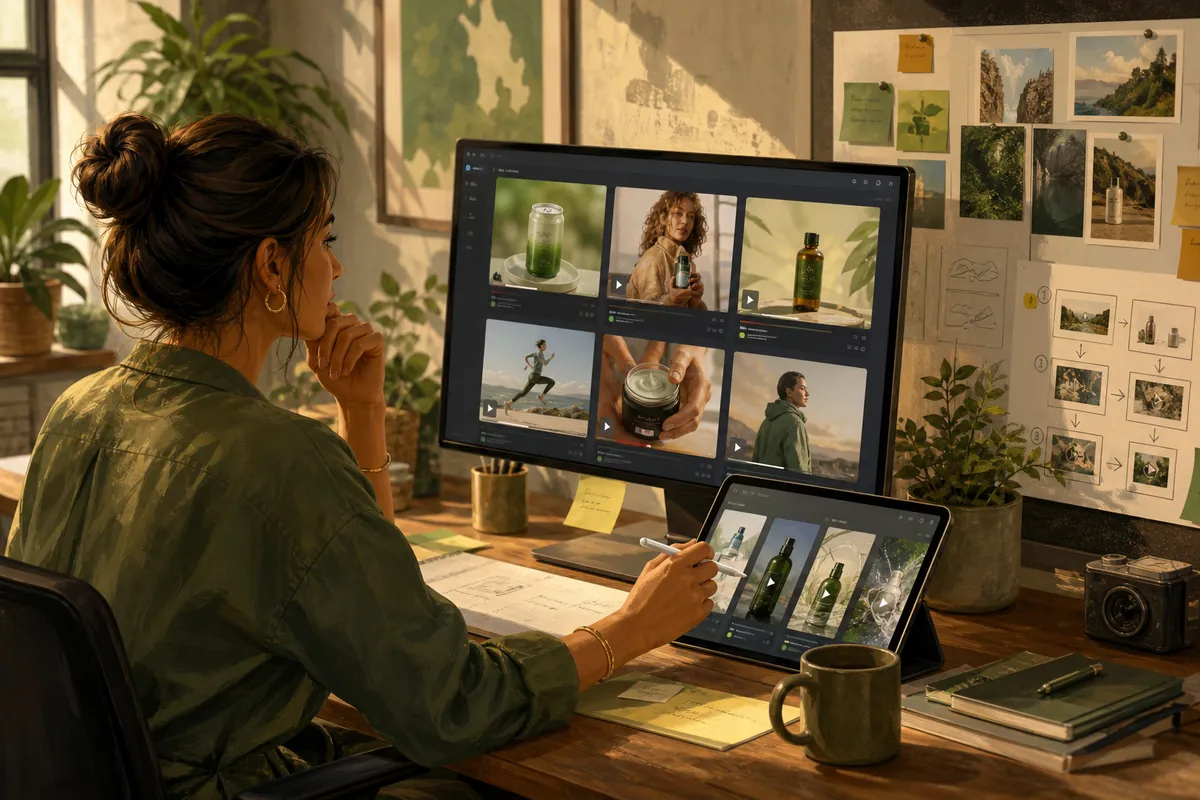
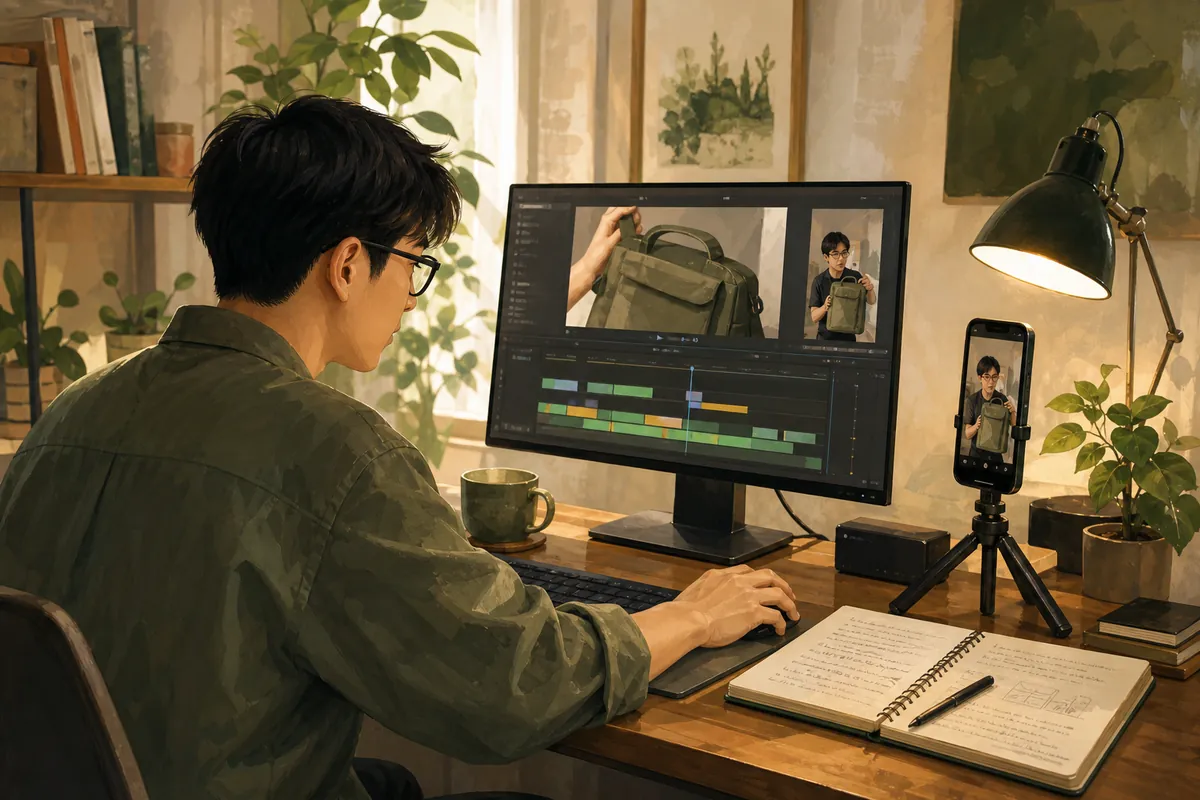
When a clip is worth studying, save it and read what is being said. Use that as research for your next piece — not as a copy of someone else’s work.
  • References
  • Shorts
  • Scripts
A creator preparing shorts from saved reference video and a script

FEATURES

Get what you need from a video.

A single video can be useful in different ways, depending on what you need.

Keep the picture when you need it

Save the video

Save the video you need in the quality that works for you.

  • Keep the file you need
  • Pick a quality that is available
  • Watch it again later
People watching a saved video later while camping

Keep only the sound

Save the audio

When you only need the sound, save the audio on its own.

  • Leave the picture behind
  • Listen while you move
  • Carry talks and lectures
A person listening to saved audio with earbuds while commuting

321 Scripter

Turn what’s said into text

Turn the speech in a video into text and read what it has to say.

  • Read the speech as text
  • Find the stretch you need
  • Keep the words after you save
Someone reading a generated script beside the original video

TIPS

Make more ofwhat you save.

Keep videos you want to revisit, come back to the parts that matter, and turn spoken content into text when it helps.

  • Watch again offline

    Save a clip before you travel, then play it when you have no internet.

  • Listen without the screen

    Keep just the sound from a lecture or interview and listen while you move.

  • Read the spoken parts

    Skip replaying a long video from the start. Check the stretch you need as text.

  • Keep it when you find it

    If a clip is worth returning to, save it before it disappears from the page.

PRIVACY & SECURITY

Processing where possible, on your device.

In supported environments, 321 Scripter is designed to process speech recognition directly on your device.

  • We do not collect website login credentials

    IDs and passwords are not sent to 321 servers

    321 Downloader does not separately collect or store login IDs, passwords, or other authentication details from the websites you visit.

  • Payment information is processed only as needed

    It is not used for separate ads or marketing

    Payment-related information is processed only as needed to provide payment services, and 321 Downloader does not use it for separate advertising or marketing purposes.

  • Usage history is managed locally first

    Download and work history stay on your device

    Download and work history are stored on your device by default, and we do not unnecessarily accumulate personal usage records on our servers.

Learn more about privacy and security →

FAQ

Questions about 321 Downloader?

Find answers about downloads, Scripter, supported environments, and how 321 works.

Can I use it for free?
You can start 321 Downloader for free. If you need extra features or a higher usage limit, you can upgrade to a paid plan.
How do I use it after installing?
Install the extension in a supported browser, then open 321 Downloader on the page where you are watching a video. You can review the detected media and use it as video, audio, or a script.
Which browsers can I use?
Chrome, Firefox, and Edge are supported on desktop. A public store listing may still be in review.
Which websites can I save videos from?
Official support covers YouTube, Instagram, Facebook, TikTok, Douyin, and Xiaohongshu (RedNote). Other sites may work when media is detected, but not every website is guaranteed.
Can I save only the audio from a video?
Yes. On supported media, you can save and use not only the full video but also the audio.
Can I also make a script from a video?
Yes. On Pro, 321 Scripter can turn speech from a saved video into a script you can read. STT is not included on Free or Plus.
Can I cancel or get a refund after paying?
If you cancel, you can keep using the plan until the period you already paid for ends. After a successful payment, refunds are not given as a rule. Support can review exceptions such as a duplicate charge. See billing questions.
Do you collect login details from the sites I visit?
No. 321 Downloader does not separately collect or store login IDs or passwords from the websites you visit.
Are download or work records stored on the server?
Download and work history are stored on your device by default, and we do not unnecessarily accumulate personal usage records on our servers.

See more questions →

START NOW

Save the video you need. See what it says.

Keep the file, then read the spoken parts when that helps.

View plans